Performance tests. You can easily find out which one is the nanite based on prims, draws.
Performance tests
| Render Type | Results |
|---|---|
| Nanite | 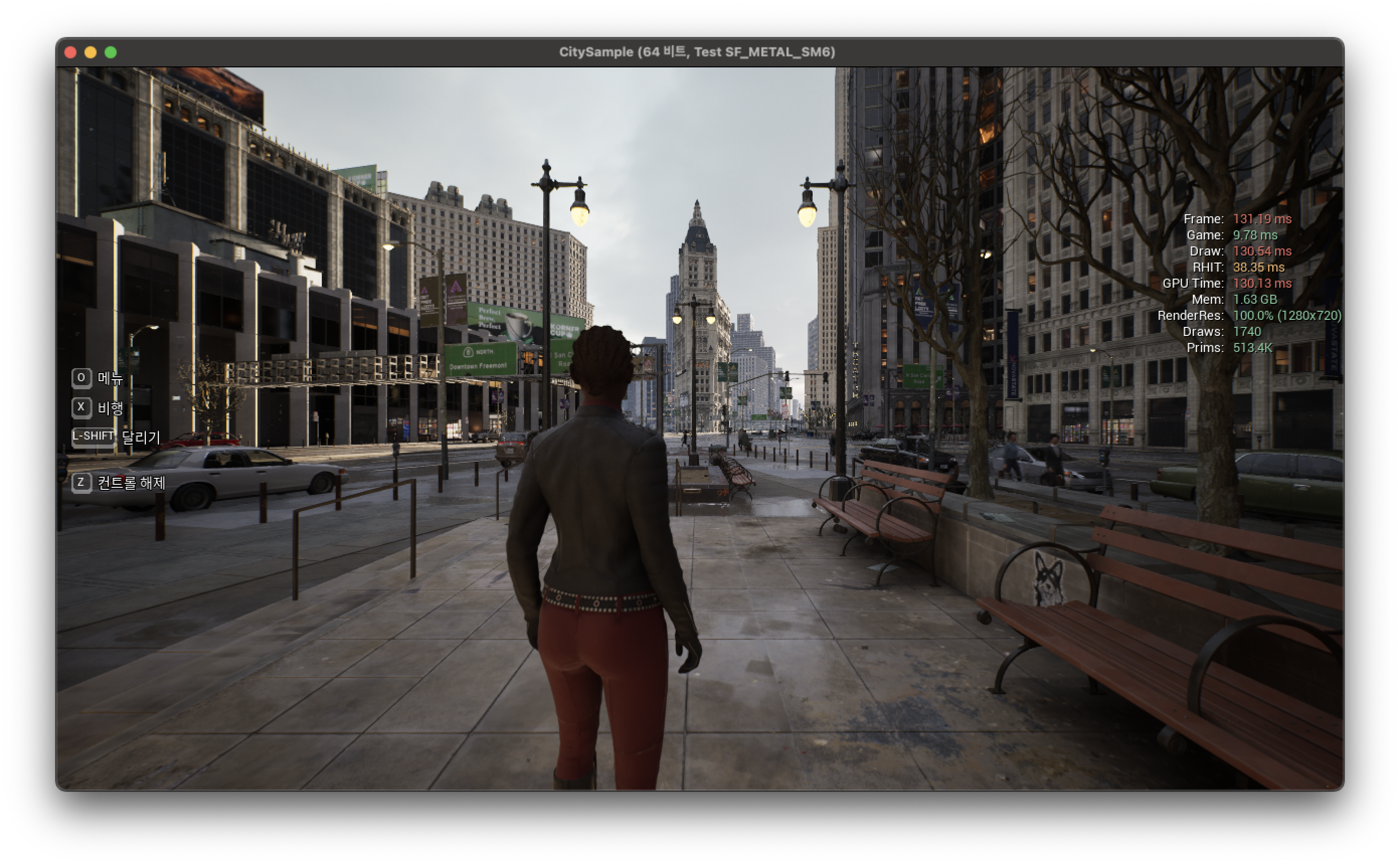 |
| Traditional | 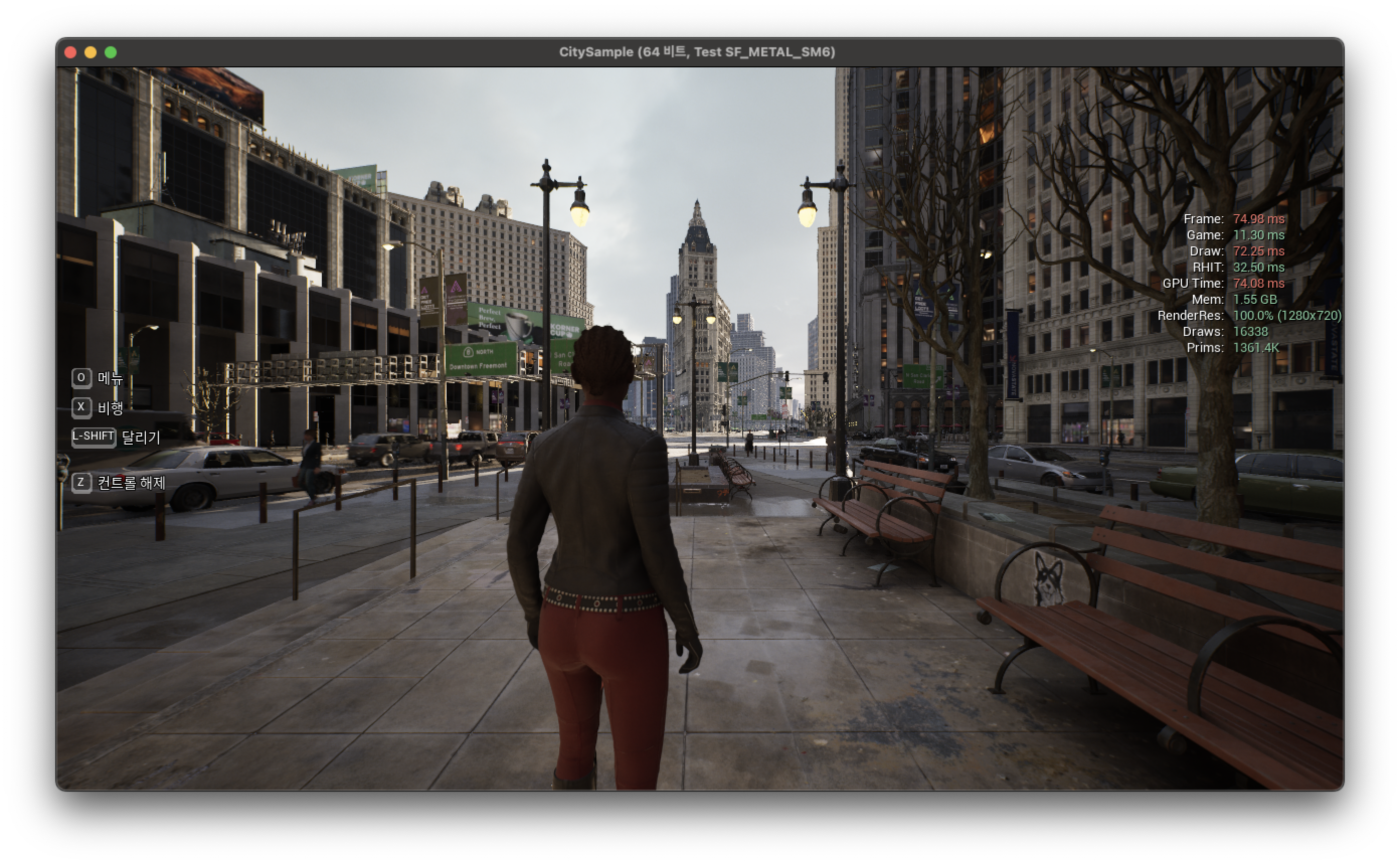 |
So, As you can see the stat. Nanite one is quit slow on M1Max.
But it is not correct compare because the number of vertex are different.
I made a change of “CitySampleNaniteMeshLODGroup” as below.
CitySampleNaniteMeshLODGroup=(NumLODs=4,MaxNumStreamedLODs=0,bSupportLODStreaming=0,LODPercentTriangles=25.0)
Unreal Insights
| Render Type | Results |
|---|---|
| Nanite |  |
| Traditional |  |
Summary
The M1 Max GPU is known to have similar performance to the RTX 2070. Nevertheless, Performance of CitySample is slower than windows PC. I guess there are several reasons.
- Async compute is disabled.
- Mesh shader is disabled.
- Memory bandwidth is little bit slower than RTX2070
Once I have this result, I’ll start looking into async compute, and then I’ll go back to Nanite.